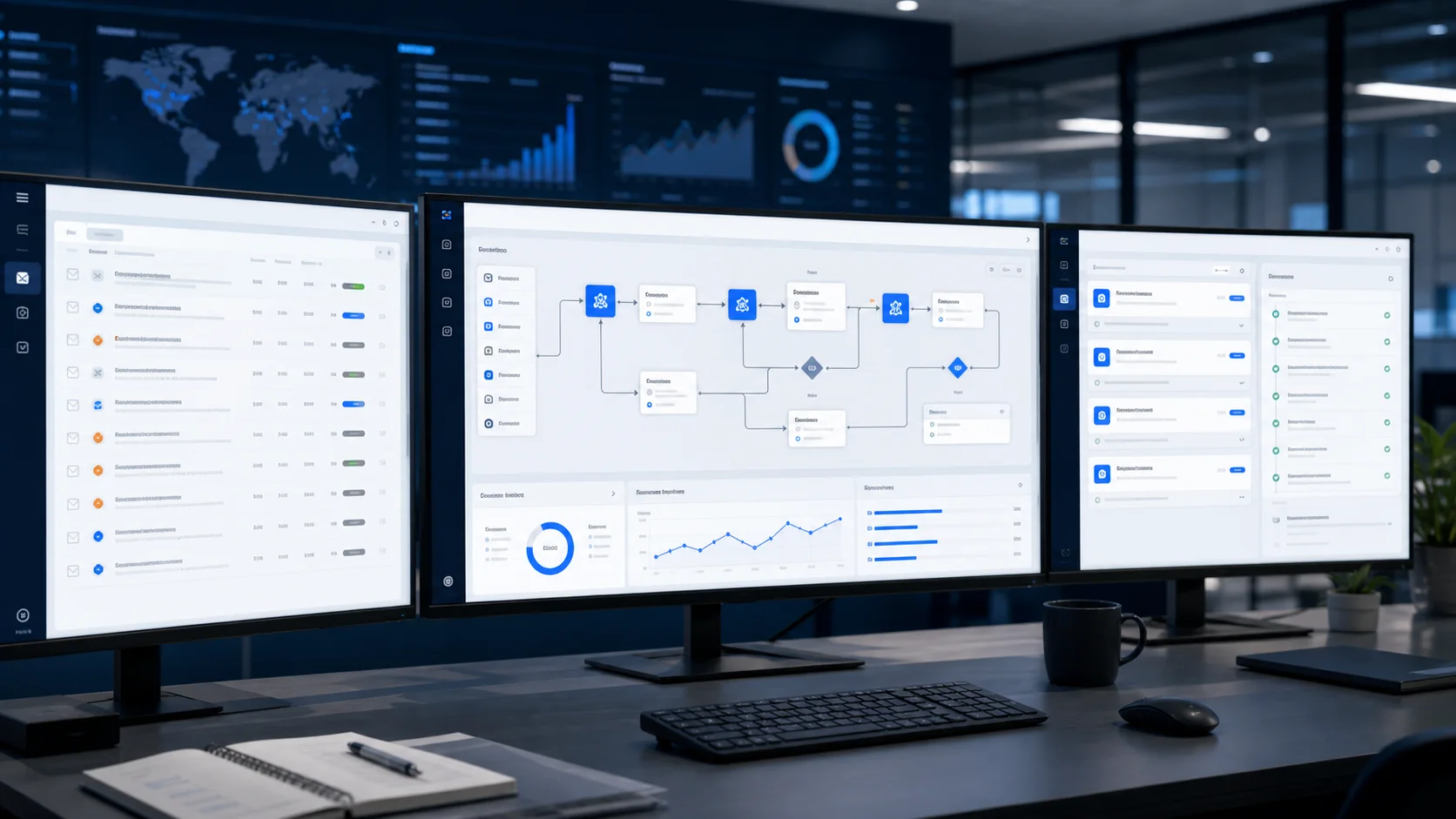
Deploy AI agents that qualify, route, summarize, or execute the first layer of operational work.
Done-for-you AI automations, agents, and generative workflows.
TkTurners helps businesses implement AI systems that do real operational work: qualify leads, summarize and route information, assist teams, automate follow-up, and connect those outcomes back into the stack that runs the business.
Connect prompts, triggers, approvals, and downstream actions so AI fits the operating model instead of sitting beside it.
Write outcomes back into the CRM, project tools, support stack, or internal systems that need the result next.
Where AI becomes operationally useful.
The value usually shows up in the places where teams repeat the same judgment, triage, or communication work every day and the systems around them are stable enough to carry the result forward.
01
Lead response and qualification
Use AI to answer, qualify, route, and prep the next step while interest is still high instead of letting inbound demand cool off in the queue.
02
Internal copilots for operations
Give teams assistants that summarize context, draft responses, surface missing information, and support decisions inside daily operating workflows.
03
Generative workflow automation
Turn AI into part of a broader process where content generation, classification, extraction, and decision support trigger the next action automatically.
04
Knowledge and support systems
Build AI layers that use your internal knowledge, customer context, and system data to help teams and customers get answers faster.
Built for businesses that want AI to improve real workflows, not sit beside the operating system as a disconnected experiment.
Build the AI layer on top of real operating logic.
The goal is not just to call a model. It is to build the prompts, orchestration, integrations, and guardrails that make AI dependable inside live business systems.
AI Agent Design
Structure agents around the real jobs to be done, with clear boundaries, escalation points, and measurable outputs.
Generative AI Workflows
Combine prompts, context, routing logic, approvals, and downstream actions into workflows that save real operator time.
Knowledge and Context Grounding
Bring in the documents, CRM data, process logic, and business rules the model needs to produce useful output.
System Integration and Monitoring
Write AI output back into the stack, monitor the flow, and tune the weak spots before AI drift turns into operational mess.
AI has to do operational work, not just generate output.
The useful version of AI is the one that understands context, makes a bounded contribution inside the workflow, and hands the result back to a system or operator that can keep moving.
The model gets the right context
Inputs, business rules, prior history, and workflow state are grounded well enough that the output is actually usable.
The workflow knows how to use the output
Classification, drafting, qualification, and next-step logic are designed so AI helps the process instead of creating another review bottleneck.
Operators keep the right control
Approvals, escalation points, and boundaries are designed around real risk so the business can trust the system in production.
AI operating loop
What the implementation layer looks like
Step 01
Ground the context
Pull in the knowledge, data, and workflow state the model needs before it tries to classify, draft, or decide.
Step 02
Run the AI task
Use the model for the part of the workflow where speed, pattern recognition, or drafting actually saves operator time.
Step 03
Route the next action
Push the result into the CRM, inbox, support queue, or ops system where a human or automation can use it immediately.
Useful context, not blind prompts
The workflow is built around the information the model actually needs, so the output is relevant to the business decision in front of it.
Bounded automation with guardrails
AI is given a clear role, clear escalation points, and clear failure handling before it touches live operations.
Outputs that move the workflow
The result is written back into the systems and queues that need it instead of ending as a disconnected chat response.
That is the difference between experimenting with AI and deploying a workflow the business can actually operate around.
Take AI from idea to dependable operating layer.
The work starts by finding the workflow that should be automated, then designing the AI role, wiring the system, and tuning it in live use.
Audit the workflow
We identify where AI can remove manual drag, what context it needs, and which parts of the workflow should still stay human-owned.
Design the system
We define the prompts, orchestration, system handoffs, approval logic, and failure handling required for the workflow to work in production.
Deploy and integrate
We implement the AI workflow, connect it to the stack, and make sure the result lands in the tools and teams that need it next.
Tune and extend
Once live, we review output quality, improve the context and routing, and decide which adjacent workflow is worth automating next.
AI starts reducing drag instead of adding noise.
Once the workflow is implemented properly, the operational value becomes easier to see in speed, consistency, and the quality of the information moving through the business.
What good AI rollout should improve
The target is better throughput and better handoff quality, not novelty. A strong implementation should make the day-to-day operation simpler for the people doing the work.
Faster response at important moments
Leads, support questions, and internal requests get an immediate first layer of action instead of waiting for someone to pick them up manually.
Cleaner triage and routing
The workflow stops dumping everything into the same queue and starts moving items to the right place with context attached.
Higher leverage for the team
Operators spend more time reviewing, deciding, and closing loops instead of writing the same first-pass work from scratch.
A base for broader automation
Once one dependable AI workflow exists, the next adjacent use case becomes easier to evaluate, scope, and launch responsibly.
Questions businesses ask before implementing AI.
The point is practical clarity: what AI is good for, where it should fit, and how to avoid creating more operational confusion.
The best fit is a workflow with repeatable judgment, communication, triage, or information movement where faster response or cleaner handoff would materially help the business.
Find the first AI workflow worth implementing.
Use the call to identify where AI can save time, improve response quality, or strengthen handoffs without turning the business into a science project.
AI belongs inside the tools your team already uses.
The implementation works best when CRM, inbox, knowledge, scheduling, and operational tools stay connected so the model output can actually move the workflow forward.
Illustrative logo reel showing the kinds of tools and platforms involved across the workflows described on this page. Focus this section to pause the motion.